Remote controls
Lock and unlock, start or stop the engine, close all windows, open the trunk, or flash the lights and sound the horn to find the car.
Car companion app · iPhone, Apple Watch, Android
MeowLink is an ad-free app for your connected car. Check fuel, range and tyres, lock or unlock, start the engine and cool the cabin before you walk out of the office.
Features
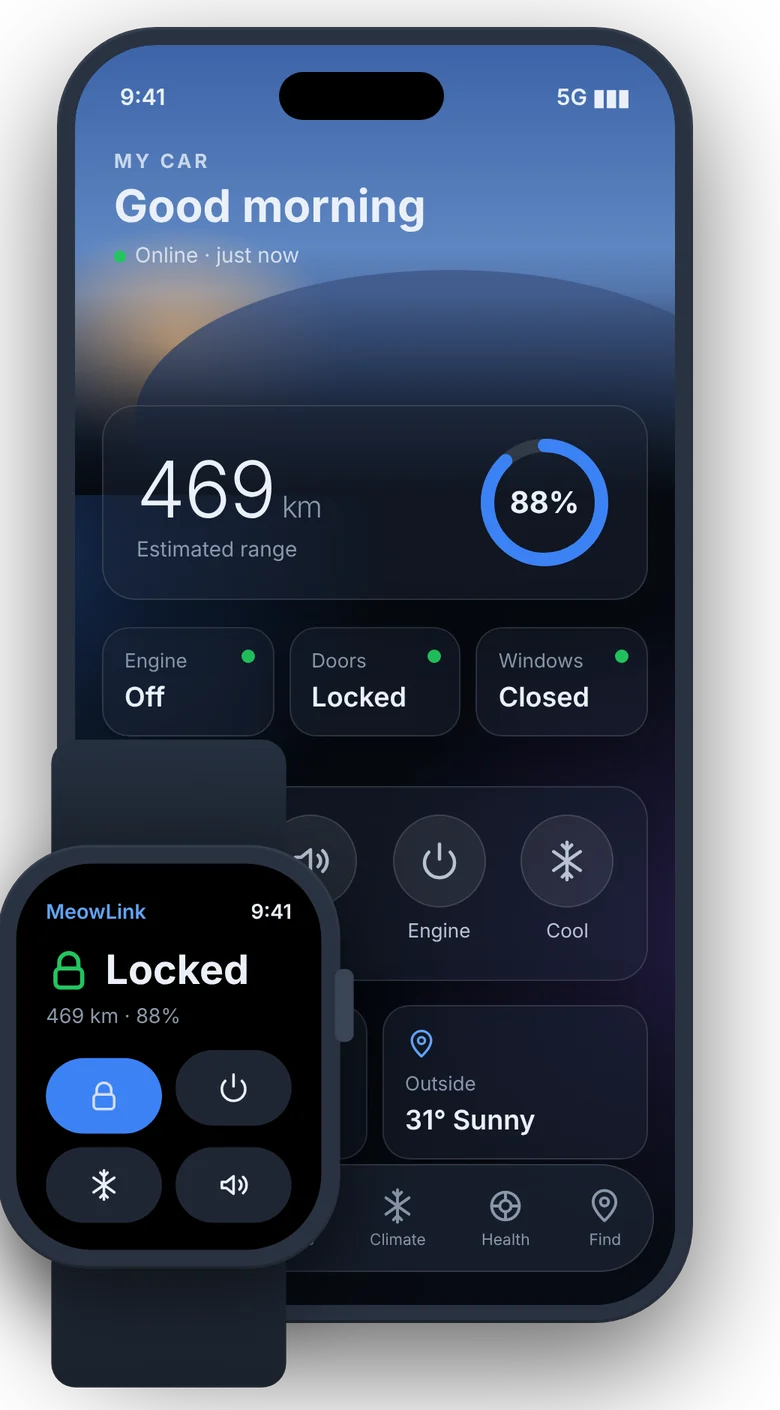
Lock and unlock, start or stop the engine, close all windows, open the trunk, or flash the lights and sound the horn to find the car.
Pick a temperature and how long the A/C runs. A countdown shows on your Lock Screen and in the Dynamic Island while it runs.
Fuel, range, tyre pressure, battery, doors, windows and trunk in clear cards, with a warning when something needs a look.
See where the car is parked, get the address and open directions in Google Maps or Waze.
Recent drives with distance, time and fuel used, plus an estimate of what each trip cost at the current RON95 price.
Home Screen widgets for status and quick controls, Control Center buttons and Siri shortcuts like "Lock my car".
A full watch app that works on its own over cellular: status, lock, engine, climate and horn, plus complications.
No ads, no analytics, no tracking. Every command asks for Face ID, fingerprint or your passcode first.
iPhone + Apple Watch
Liquid Glass design, Face ID on every command, widgets, Control Center, Siri, a Live Activity while the A/C runs, and a watch app that works without your phone nearby.
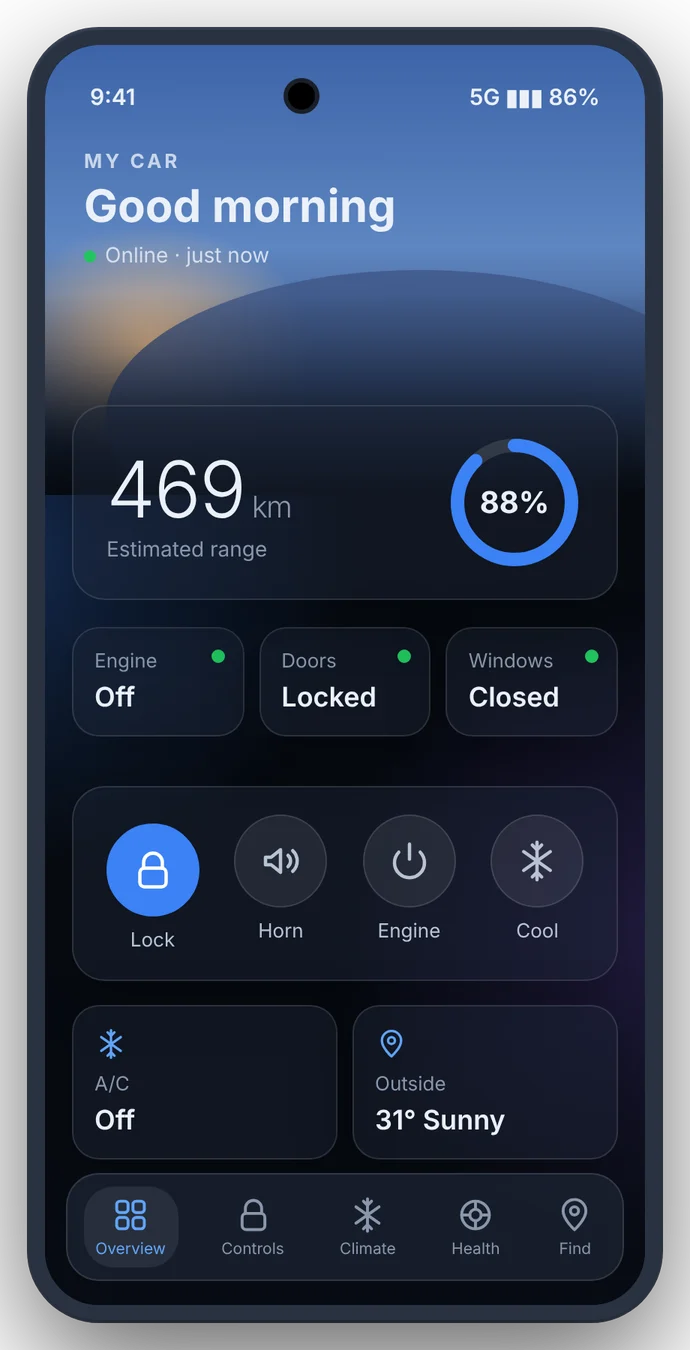
Android
The same screens and controls, home screen widgets, a live countdown while cooling, fingerprint or face unlock on every command, and updates inside the app.
Pricing
Prices in Malaysian Ringgit. Updates included.
One-time payment
One-time payment
One-time payment
How it works
Your name, WhatsApp number, phone type and car year. We never ask for your car password.
Scan the QR shown after the form and upload your receipt on the same page.
Once approved you get your install link. Sign in with the car account you already use.
FAQ
Cars that come with the maker's connected-car service and an active car account. MeowLink is used daily on the S70, including the Flagship and Flagship X variants. If you are not sure about your car, message us before you pay.
No. MeowLink is an independent app made by a car owner. It is not made by, affiliated with or endorsed by the car maker or its connected-car service providers. You sign in with the same car account you already use.
Your phone number and password go only to your car account's official sign-in service. MeowLink never stores your password and we never receive it, your login token or your VIN.
After your payment is approved you get a personal install link. It opens TestFlight, Apple's app for installing apps, and MeowLink installs from there. The Apple Watch app installs with it.
After approval you get a download link and a personal invite code. Install the app, enter the code once, and updates arrive inside the app.
By DuitNow QR at the end of the sign-up form. Upload your receipt on the same page and we approve it, usually the same day.
You get a full refund. See the Refund Policy for the details.